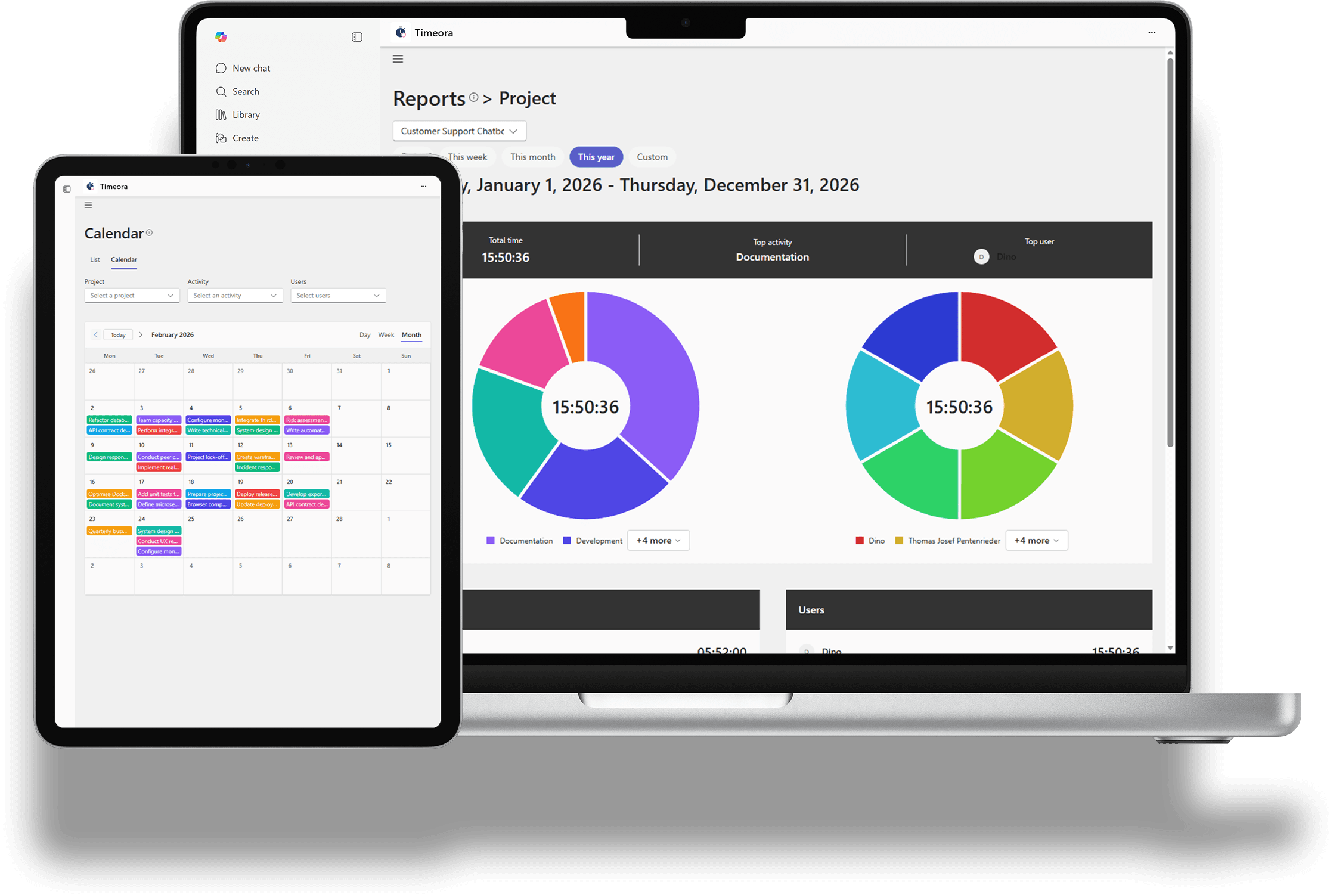
Add the app to your organisation and sign in with your Microsoft 365 account.
Set up projects, activities and roles
Define what your team tracks, who may see what, and how your projects are structured.
Run the work and bill it
The team tracks hours and tasks in Teams while managers read reports, keep budgets in view and create invoices.
What satisfied users say
★★★★★
I particularly appreciate the combination of time tracking and budget tracking. We immediately see where projects stand and can react much faster.
Thomas Pentenrieder
Managing Director, Devsym GmbH
★★★★★
Timeora finally brought our time tracking where it belongs - directly in Microsoft Teams. No more tool switching, everything runs smoothly in the background and saves us time every day.
Nicolas Kuzu
Managing Director, Safe Future Consulting GmbH
★★★★★
Introducing Timeora was surprisingly uncomplicated. Our team adopted it immediately because everything works intuitively and is available directly in our familiar environment.
Bastian Becker
Team Lead, Clever Versichern GmbH
Built for the way IT approves software.
Runs inside Microsoft 365
A Teams tab and Microsoft 365 app host, signed in with your Microsoft account.
One organisation, one dataset
Every tenant is isolated, and data is never shared between organisations.
Access by role
Roles and permissions decide who may track, report, bill or administer.
Developed in Germany
Built to be GDPR-compliant, so your data stays protected.
Pricing
No hidden costs, no surprises. Timeora offers a transparent pricing structure so you know exactly what you get and what it costs.
Save 17%
14-Day Trial
free
Test all features for 14 days free to make sure Timeora is perfect for your requirements.
Best Value
Professional
5
EUR / User / Month
Time clock
Stopwatch for quick project time tracking
Reports and exports
Budget and capacity management
Billing tools
User roles and permissions
Team management
Priority support
Enterprise
On request
All features of the Professional version
Custom integrations and modifications
Dedicated account manager
On-premises deployment available
Frequently asked questions about Timeora
Timeora is a work suite for Microsoft 365. Time tracking, projects and tasks, reports, invoicing, CRM and people management all run inside Microsoft Teams, so the team works in one place instead of switching between tools.
Bring your team's work into Microsoft Teams.
Start with the free 14-day trial: every module, in your own Microsoft 365 environment.